BK8 app download for Android and iPhone: install, check the file, fix errors
BK8 ships its app straight from the bookmaker's download page: an APK for Android and a Safari install for iPhone. This guide walks both routes, the phone settings each needs and the checks to run on the file.
The app button opens the bookmaker's download page in a new tab.
Install the BK8 appTake the welcome offer
Updated regularly, this edition dated
- APKAndroid build from the bookmaker's site
- iOSinstalled through Safari, with a trust step
- 0 VNDcost of the download
- Sabacompanion sports app
BK8 app or the mobile site: which to use
Both routes normally use the same account. They differ in how fast they open, how much storage they take and how updates arrive. The table helps you decide before you spend time on an install.
| Point | BK8 app | Site in a browser |
|---|---|---|
| How you get it | installer from the bookmaker's download page | open the site in Chrome or Safari |
| Logging in | quick login and a PIN lock, as the bookmaker describes it | username and password, or saved in the browser |
| Phone storage | takes space like any app | close to none |
| Updates | you may need to download a new build | always the current version |
| Fake risk | yes, if the file comes from a stranger | yes, if you open an unknown address |
If you bet a few times a week, the browser is enough. If you open the lobby several times a day, the BK8 app gets you in faster and adds a PIN lock. The bookmaker also pitches the app as a faster way to deposit.
BK8 APK for Android, step by step
The Android build is an APK file hosted on the bookmaker's own download page rather than a Google Play listing. That is why your phone asks for permission to install from an outside source. Follow the five steps in order.
Go to the download page
Use an app button on this page; the download page opens in a new tab.
Pick the Android build
Tap the APK download and wait for it to finish.
Grant install permission
Allow your browser to install apps when the phone asks.
Open the file
Tap the download notification, then choose Install.
Log in
Open the app and use your account or create a new one.
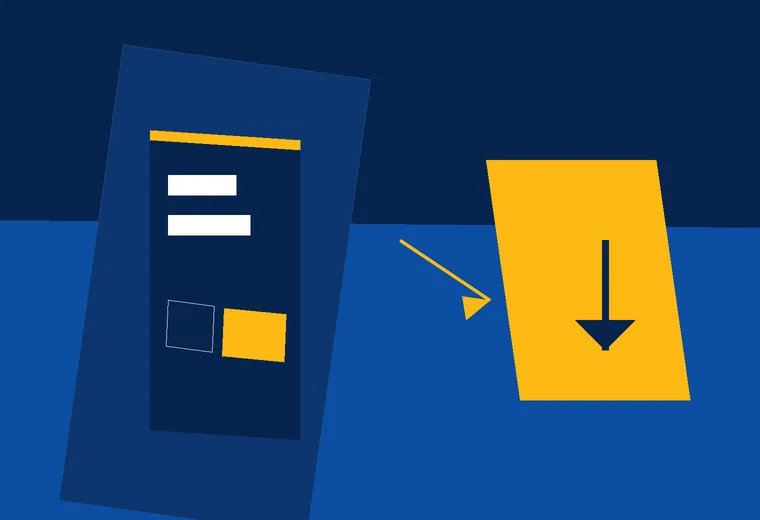
Allowing installs from unknown sources
Since Android 8, this permission is granted per app. In practice you allow Chrome, or your file manager, to install APK files. The menu name depends on the phone maker:
- on most phones the switch lives under Apps, then Special app access, in an entry about installing unknown apps;
- some Samsung, Xiaomi and Oppo models: type “unknown” into the Settings search box.
Once the install is done, switch the permission off again for your browser. Then a stray tap on a malicious link later cannot quietly install something.
BK8 iOS app: installing on iPhone
The App Store does not carry this app. iPhone users install the BK8 iOS app from the bookmaker's download page, and the phone then asks you to trust the developer in Settings. Four steps cover it.
Open in Safari
Tap the app button and pick the iOS build on the bookmaker's site.
Confirm the install
Choose Install at the prompt and wait for the icon to appear.
Trust the developer
Go to Settings and grant trust as described below.
Open the app
Tap the icon and log in.
Trusting the developer in Settings
Open Settings › General and scroll to the device management entry. The label differs a little from one iOS release to another. Tap the developer name that just appeared and choose Trust. Skip this and the iPhone shows “Untrusted Enterprise Developer” and the app will not open.
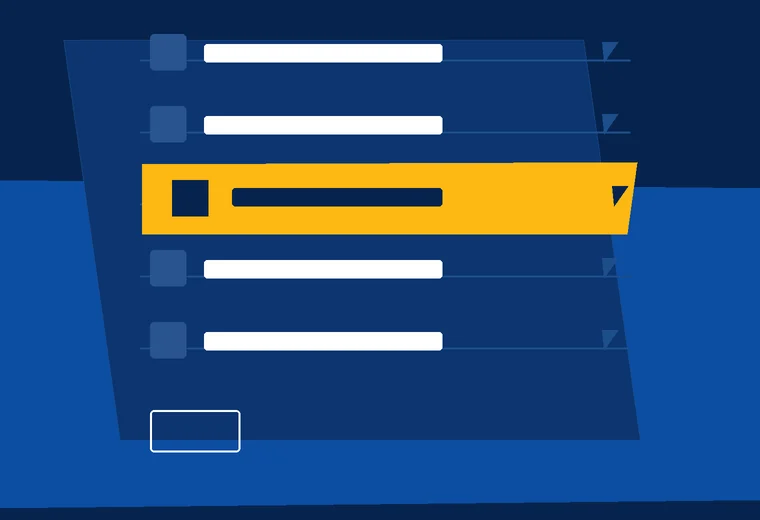
Only trust a developer right after you installed a file from the genuine download button. If a profile shows up that you do not remember installing, delete it from the same screen.
The Saba Sports app next to the sportsbook
The sportsbook runs on Saba, and Saba ships an app of its own. Android and iOS links for Saba Sports sit inside the sports section of the lobby. The two apps do different jobs:
BK8 app
Every lobby section: sports, casino, slots, fishing games and lottery. It also has the cashier and promotions.
Saba Sports app
Saba sports markets only. It suits people who bet mostly on football.
Fake BK8 APK files: how to spot one
Because the app is missing from official stores, scammers find it easy to spread a fake BK8 APK under the same name. A fake build can record your password, read text messages carrying OTP codes or show a deposit screen that pays into a personal account.
One of these signs is reason enough to skip the install
- the file arrived through Zalo, Telegram, Facebook or a text message;
- the file name looks odd, with extras like “vip”, “hack”, “tool” or a phone number;
- the app asks to read your messages or contacts, or wants accessibility access;
- the download page is not the one opened from the button on this site or from the bookmaker;
- the sender promises free money for installing, or asks for a deposit to “activate” it.
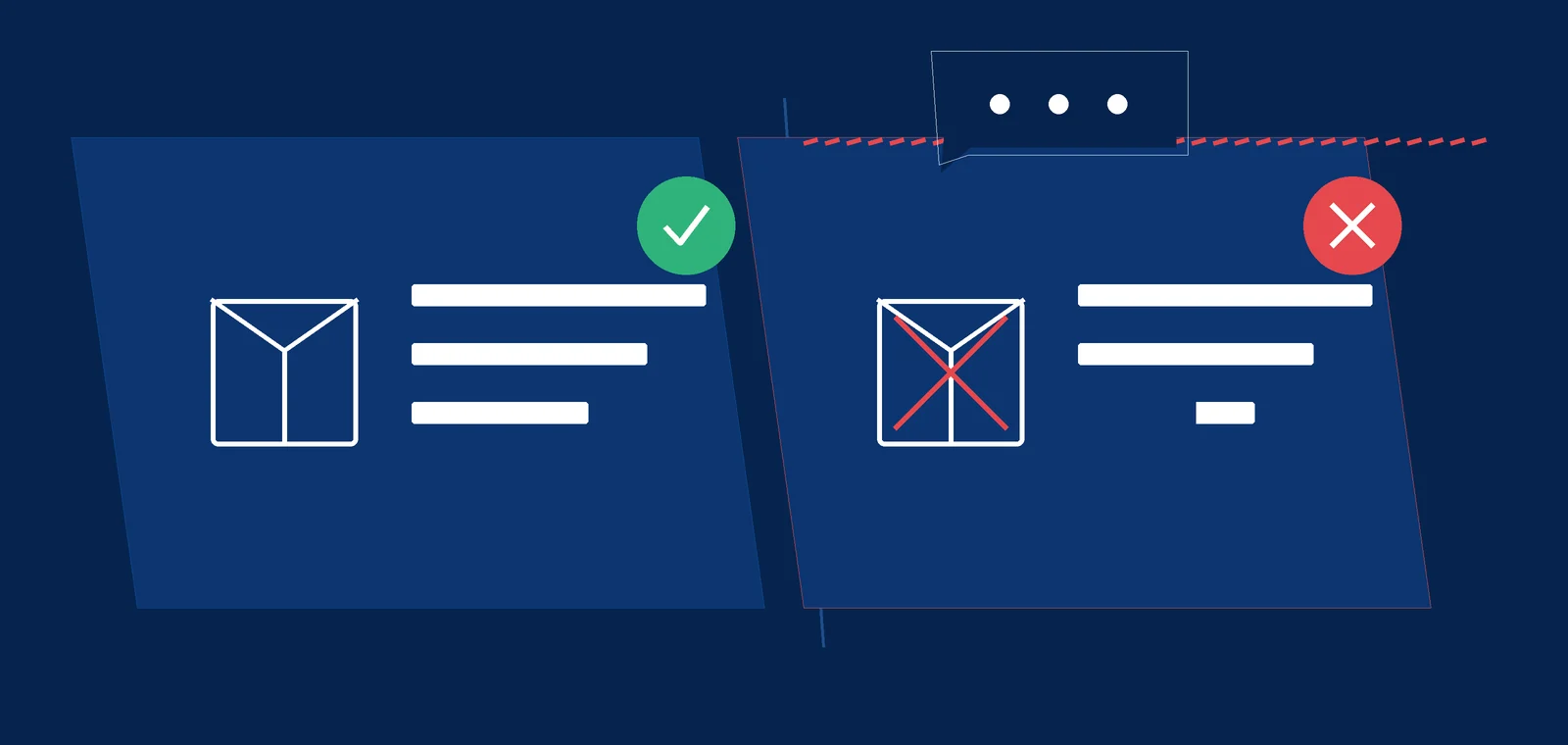
If you already installed something suspicious, remove it, change your password on the website and tell support. Password steps are in our BK8 login and password reset guide.
BK8 app download errors and fixes
| Message | Common cause | What to do |
|---|---|---|
| Problem parsing the package | the APK only half downloaded, or it is corrupted | remove it and fetch a fresh copy over a steady wifi connection |
| Not enough storage | the phone is nearly full | clear photos, videos or unused apps, then retry |
| Install blocked | the browser has no install permission | grant it as shown in the Android section |
| Untrusted Enterprise Developer | the iPhone has not trusted the profile | complete the trust step in Settings › General |
| App opens and closes at once | old build or an outdated operating system | remove the app, get a fresh build from the bookmaker, update the system |
Before you start, clear space for one app, get on stable wifi so the file arrives whole and update the operating system. If the app still refuses to run, use the browser version and tell support which phone model you have.
After the install: log in, deposit, update
No account yet? You can create one inside the app; the fields match our BK8 registration walkthrough. Already registered? Log in, then turn on the PIN lock in account settings if the app offers it.
When you deposit in the app, keep the thousands rule in mind: “50” on screen is 50,000 VND. The full explanation and the payment table sit on our BK8 Vietnam guide. Before a first deposit, you may also want to read is BK8 legit.
Welcome offer for new accounts
288% welcome bonus up to 5,760,000 VND
21+ · Read the terms in the offers section of the BK8 site before you claim
To update, remove the old build and fetch the BK8 APK or iOS build again from the button on this page. Your account and balance live on the bookmaker's servers, so removing the app does not touch your money.
BK8 app download FAQ
01Is the BK8 app download free?
Yes. The installer on the bookmaker's site costs nothing. Anyone asking you to pay before they send an install file is not a channel of the bookmaker.
02Why is the app missing from Google Play and the App Store?
The bookmaker publishes it from its own download page instead: an APK for Android and a direct install for iPhone. Store apps using the brand name that are not linked from the bookmaker's site are best avoided.
03Where do I get the real BK8 APK?
Only from the bookmaker's download page, opened with the button on this site or an address you checked yourself. Do not install files sent over Zalo, Telegram or Facebook.
04What does my phone need before I install?
Free storage for one app, a stable wifi connection so the file arrives whole, an up-to-date operating system, and the install permission for your browser on Android. iPhone needs Safari plus one trust confirmation in Settings.
05Can I use one account in the app and on the website?
Yes. Sign in to the app with your existing details; a second registration is not needed.
06Why does my iPhone say Untrusted Enterprise Developer?
You have not trusted the install yet. In Settings › General you will find the device management entry. Tap the developer name there and confirm Trust.
07Can I get the 288% welcome bonus up to 5,760,000 VND when I deposit in the app?
Yes. Offers belong to the account rather than the device, so a first deposit made in the app still counts.
Ready to open BK8?
These buttons open the bookmaker's site in a new tab. Read the terms before you deposit.